Before you start
Only the shop admin can do this. Staff do not see it.
Steps3
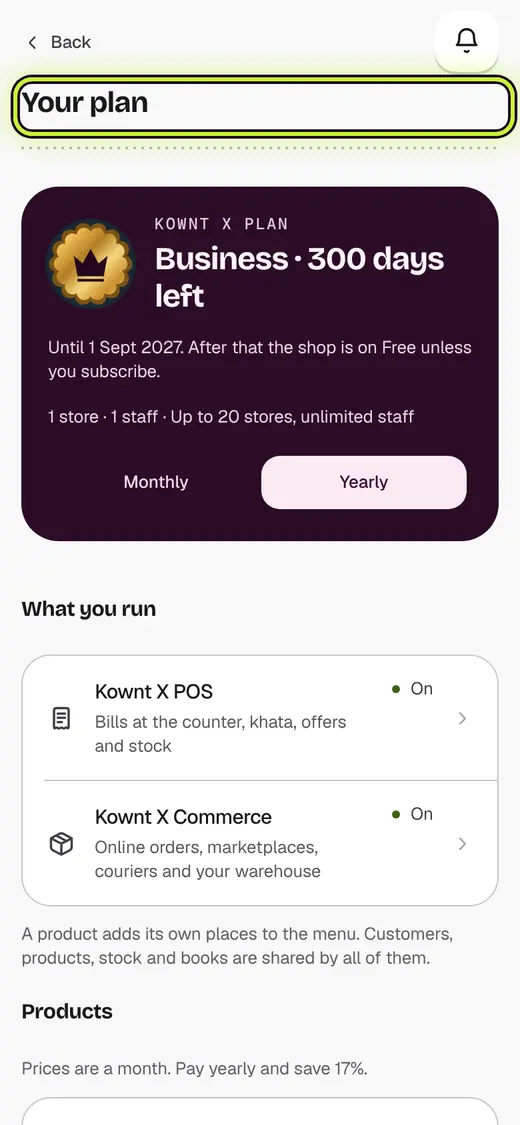
- Open Your plan.
- See your stores and staff at the top.
- Need more? Tap See plans.
If it stops you
Time to upgrade: you reached your plan's limit.
Still stuck?
In the app, tap ? on the screen you are on and ask in your own words. Or email support@kowntx.com. A person replies in writing. Never send your PIN, code or card number.