Steps5
- Open Returns.
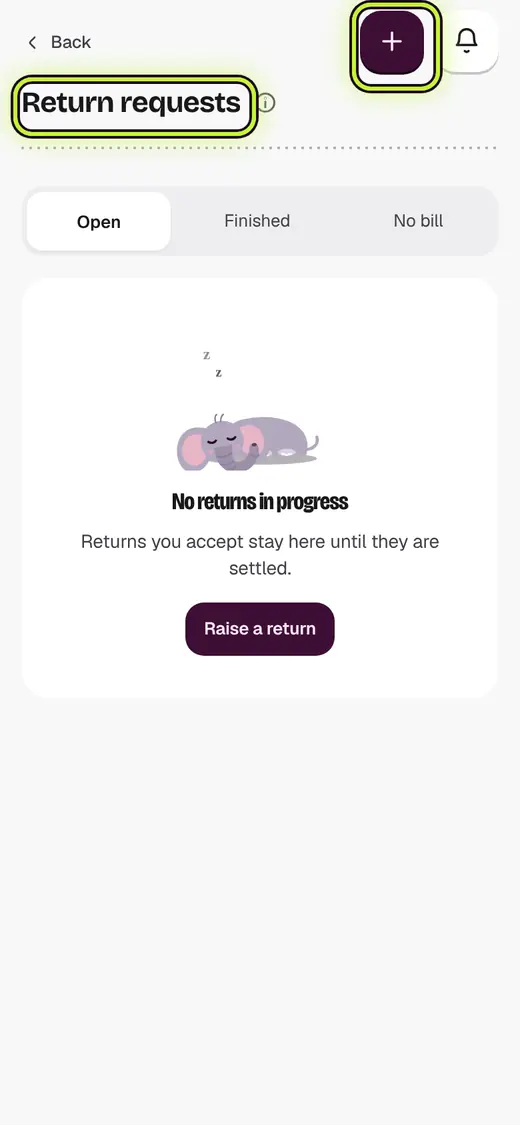
- Tap Return requests.
- Tap Raise a return, or open one waiting.
- Tap Approve, then Arrange pickup.
- When it comes, tap Check it in.
Good to know
- Stock and money change only after you check the parcel.
Next
Still stuck?
In the app, tap ? on the screen you are on and ask in your own words. Or email support@kowntx.com. A person replies in writing. Never send your PIN, code or card number.