Before you start
You need a barcode scanner.
Steps5
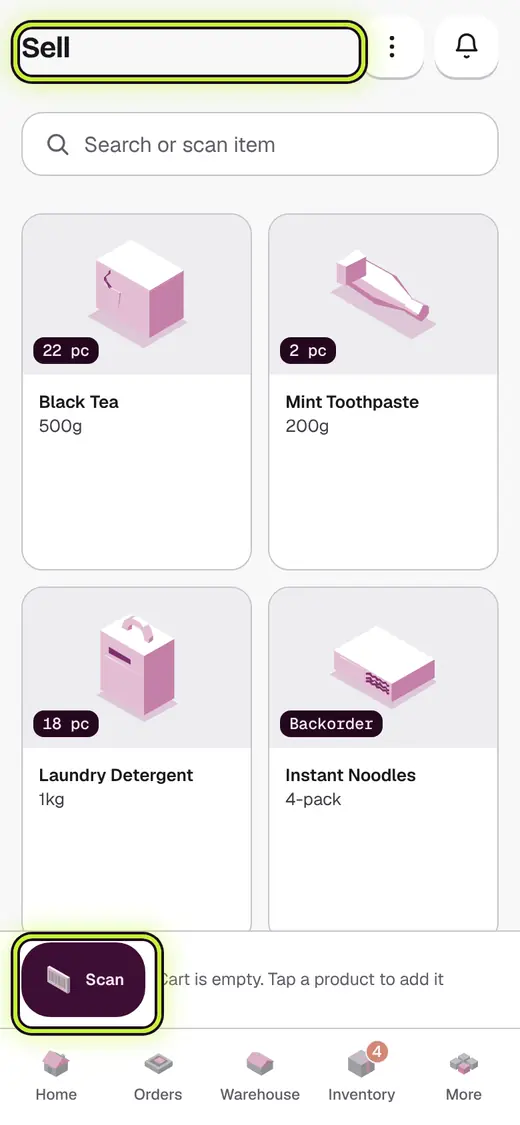
- Tap Sell.
- Tap Scan barcode to use the camera.
- Point the camera at the barcode.
- With a counter scanner, just scan. No tap is needed.
- Scan again to add one more.
If it stops you
Couldn’t read that barcode: hold the pack still, in good light, and try again.
No matches: this barcode is not on any product yet. Add the product first.
Still stuck?
In the app, tap ? on the screen you are on and ask in your own words. Or email support@kowntx.com. A person replies in writing. Never send your PIN, code or card number.